
Data Center Power Cables: Ensuring Reliable Power Distribution
Learn about data center power cables for reliable power distribution. Key requirements for server rack cabling, PDU connections, cooling system power, and best practices for modern data centers.
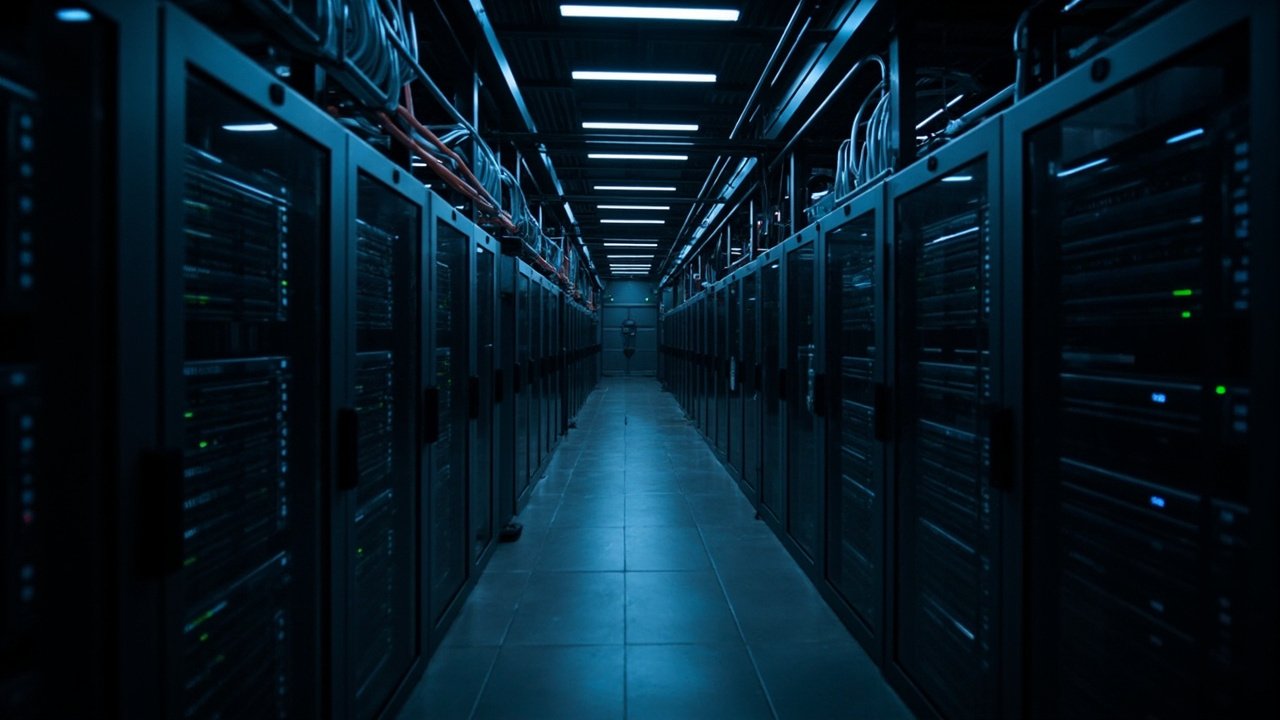
Data centers are the backbone of our digital world, and reliable power distribution is critical for uninterrupted operations. From server racks to cooling systems, every component requires properly specified power cables. This guide covers everything you need to know about data center cable selection.
Data Center Power Distribution Overview
Modern data centers require multiple power distribution levels:
Utility Power Entry
- Voltage: Medium voltage (11kV-35kV) utility connection
- Cables: XLPE insulated, steel wire armored
- Requirements: High reliability, fault current withstand
Transformer to UPS
- Voltage: 400-480V AC
- Cables: PVC/XLPE power cables in tray
- Requirements: Fire safety, continuous rating
UPS to PDU (Power Distribution Unit)
- Voltage: 400V AC three-phase
- Cables: High current cables with flexibility
- Requirements: Easy maintenance, clear labeling
PDU to Server Racks
- Voltage: 208-230V AC (US) or 230V AC (EU)
- Cables: Branch circuits, often in overhead tray
- Requirements: High density, frequent reconfiguration
Critical Power Cable Requirements
Continuous Power Rating
Data center cables must handle continuous loads without overheating:
| Application | Typical Load | Common Cable Sizes |
|---|---|---|
| Single server (1U) | 0.5-1.5 kW | 2.5mm² (20A circuit) |
| Blade server chassis | 5-15 kW | 6-10mm² circuits |
| Rack PDU feed | 10-30 kW | 16-35mm² per phase |
| Row PDU | 100-200 kW | 70-120mm² feeders |
| Ups main output | 500-2000 kW | 185-400mm² busbars |
Redundancy Requirements (N+1, 2N)
Critical systems require redundant power paths:
- N+1: One extra component beyond required
- 2N: Complete duplicate system
- Separation: Redundant cables must be physically separated
- Fire Compartmentalization: Cables in different fire zones
Server Rack Power Cabling
Rack Power Distribution Units (PDUs)
Modern PDUs distribute power throughout server racks:
PDU Types
- Basic PDU: Fixed input, multiple outlets
- Metered PDU: Local current display
- Monitored PDU: Network monitoring, remote access
- Switched PDU: Remote outlet switching
Cables for PDU Connections
- Input Cable: Flexible power cable from UPS/distribution
- Circuit Breaker Sizing: Match cable ampacity
- Outlet Types: C13, C19, NEMA, IEC specifications
Server Power Cords
Common Server Power Cord Types
| Region | Server Inlet | PDU Outlet | Rating |
|---|---|---|---|
| North America | NEMA 5-15P/C14 | NEMA 5-15R/C13 | 15A, 125V |
| North America | NEMA 6-15P/C14 | NEMA 6-15R/C13 | 15A, 250V |
| Europe | CEE 7/7 or C14 | CEE 7/3 or C13 | 10A, 250V |
| International | C14 | C13 | 10A, 250V |
High Density Servers
- High power servers: May use C19 connectors (16A rated)
- PDU outlet configuration: Mix of C13 and C19 outlets
- Cable management: Organize cables to prevent obstruction
Cable Tray Systems
Tray Types for Data Centers
| Tray Type | Best For | Load Capacity |
|---|---|---|
| Ladder tray | Power cables, heavy loads | High |
| Solid bottom | Data cables, EMI concerns | Medium |
| Wire mesh | Flexible routing, frequent changes | Low-Medium |
| Duct | EMI sensitive, clean room | Medium |
Power and Data Cable Separation
Maintain separation to prevent interference:
- Physical separation: Dedicated trays for power and data
- Barrier: Metal divider in shared tray
- Shielded power: Reduces EMI emissions
- Minimum distance: 150-300mm where separation limited
Underfloor vs. Overhead Distribution
Underfloor (Raised Floor)
- Advantage: Hidden routing, easy reconfiguration
- Cables: Often in flexible conduit or floor-rated cable
- Cooling: Ensure cables don’t obstruct airflow
Overhead (Dropped Ceiling)
- Advantage: Easy access for maintenance
- Cables: Cable tray with power/data segregation
- Fire: Fire-rated cable or wraps required
Cooling System Cabling
CRAC/CRAH Unit Power
- Large loads: 50-200 kW per unit
- Cables: Dedicated power circuits
- Controls: Control wiring separate from power
Chiller Power
- Medium voltage: Often 11kV for large chillers
- Cables: XLPE, potentially armored
- Starting: Consider soft starters or VFDs
Pump and Fan Power
- VFD cables: Shielded for VFD installations
- Control cables: Shielded twisted pairs
- Hardwired: Often direct-on-line starters
Efficiency Considerations
Power Losses in Cables
Cable losses represent continuous operational costs:
- I²R Losses: Power lost as heat in conductors
- Calculation: P_loss = I² × R × 2 (for two conductors)
- Impact: Larger cables = lower losses = energy savings
Sizing for Efficiency
Modern data centers optimize cable sizing for efficiency:
- Target voltage drop: 1-2% maximum for main feeders
- Consider full load: Size for future capacity, not just current
- Premium efficiency: Consider transformer and cable losses together
Busbar vs. Cable
For very high currents, busbar systems may be more efficient:
| Current Level | Recommended | Advantage |
|---|---|---|
| < 100A | Cables | Flexibility |
| 100-400A | Cables or busbar | Depends on layout |
| 400-1000A | Busbar often preferred | Lower losses, easy tap-offs |
| > 1000A | Busbar systems | Significant loss reduction |
Fire Safety Requirements
Fire Detection and Suppression
Cables for fire alarm systems must meet strict requirements:
- Fire resistant: Maintain circuit integrity during fire
- Low smoke: LSZH jackets reduce smoke density
- Zero halogen: Reduces toxic gas release
Cable Fire Spread Prevention
- Flame retardant: Prevent flame propagation along cable
- Fire barriers: Seal cable penetrations
- Sprinkler protection: Consider water-resistant cables
Emergency Power Cables
- Generator connections: Weather-resistant, flexible
- Transfer switches: Properly rated switching cables
- ATS control: Control circuit integrity critical
Maintenance and Monitoring
Cable Monitoring Technologies
- Thermal monitoring: Infrared scanning of connections
- PD monitoring: Partial discharge detection for HV cables
- Environmental: Monitor temperature and humidity
Preventive Maintenance
- Annual inspections: Visual and thermal
- Torque checks: Verify terminations haven’t loosened
- Cleaning: Remove dust that can cause hot spots
Standards and Best Practices
Relevant Standards
- IEEE: 1100, 442 (grounding), 1415 (maintenance)
- NEC: Article 645 for information technology equipment
- TIA: TIA-942 for data center infrastructure
- BICSI: Data center design best practices
Best Practice Guidelines
- Label everything: Both ends, clear identification
- Document routes: As-built drawings essential
- Color coding: Consistent color for different voltage systems
- Segregate circuits: Power from different sources separated
Conclusion
Data center power cables are critical infrastructure requiring careful selection, installation, and maintenance. Proper cable choice ensures system reliability, energy efficiency, and safety throughout the facility’s operational life.
FAQ
Q: What is the typical lifespan of data center power cables?
A: Properly installed and maintained power cables typically last 20-30 years. However, environmental conditions, load cycling, and maintenance practices significantly affect lifespan. Regular thermal imaging can identify problems before failure.
Q: Should data centers use copper or aluminum conductors?
A: Copper is preferred for data center power cables due to higher conductivity (allowing smaller size), better termination compatibility, and superior fatigue resistance for flexible applications. Aluminum may be considered for very large feeders where cost savings justify the larger conductor size.
Q: How do I calculate the right cable size for a rack?
A: Sum the power requirements of all servers in the rack (typically 3-10kW for general racks, up to 30kW+ for high density). Apply diversity factor (usually 80-90%). Size cables at 125% of continuous load. Consider future growth of 20-50%.
Q: What is modular cabling and when should it be used?
A: Modular cabling uses pre-terminated, tested assemblies that can be quickly connected/disconnected. Benefits include faster deployment, reduced on-site termination errors, easier reconfiguration, and cleaner aesthetics. Recommended for high-density racks and facilities expecting frequent changes.
Q: Why is proper cable management important in data centers?
A: Proper cable management ensures adequate airflow for cooling, prevents cable damage from excessive bending or tension, enables efficient maintenance and troubleshooting, reduces fire risk from cable damage, and maintains clear pathways for hot/cold aisle containment.